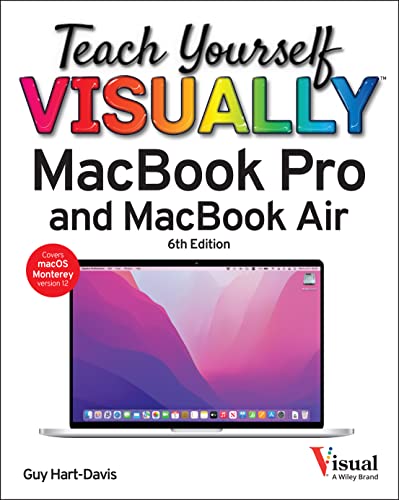
Teach Yourself VISUALLY MacBook Pro & MacBook Air

This visual guide by Guy Hart-Davis teaches users how to set up and use MacBook Pro and MacBook Air through clear, illustrated steps. It covers essential features, apps, and customization to help beginners and upgraders navigate macOS with confidence and ease. Ideal for visual learners seeking practical laptop instruction.
About This Book
Teach Yourself VISUALLY MacBook Pro & MacBook Air offers a straightforward approach to learning Apple's popular laptops. The book uses full-color screenshots and illustrations to demonstrate key functions, making it easy for visual learners to follow along.
From initial setup and customization to exploring built-in apps and connectivity options, the guide covers essential topics for new and upgrading users. It emphasizes practical tips to navigate macOS efficiently.
Author Guy Hart-Davis provides reliable instruction based on real-world usage, helping readers get the most out of their devices without overwhelming technical jargon.
Whether you're switching from another operating system or just need a refresher, this book serves as a comprehensive visual reference for MacBook mastery.
Reviews
No reviews yet. Be the first to review this book!